See How SmartQuote Works
Frequently Asked Questions
When will I start receiving SmartQuotes?
SmartQuote launched on the 2nd June! If you've recieved quots from ATOM since then, they would have been in the SmartQuote format.
If you want to make sure you hear about new features for SmartQuote as we release them, subscribe to ATOM's mailing list below.
What email will SmartQuotes come from?
Your SmartQuote will be sent directly from the ATOM team member who created the quote for you.
Your Tuesday weekly summary email of outstanding quotes will come from SmartQuote@atom.com.au.
Can I still export to PDF?
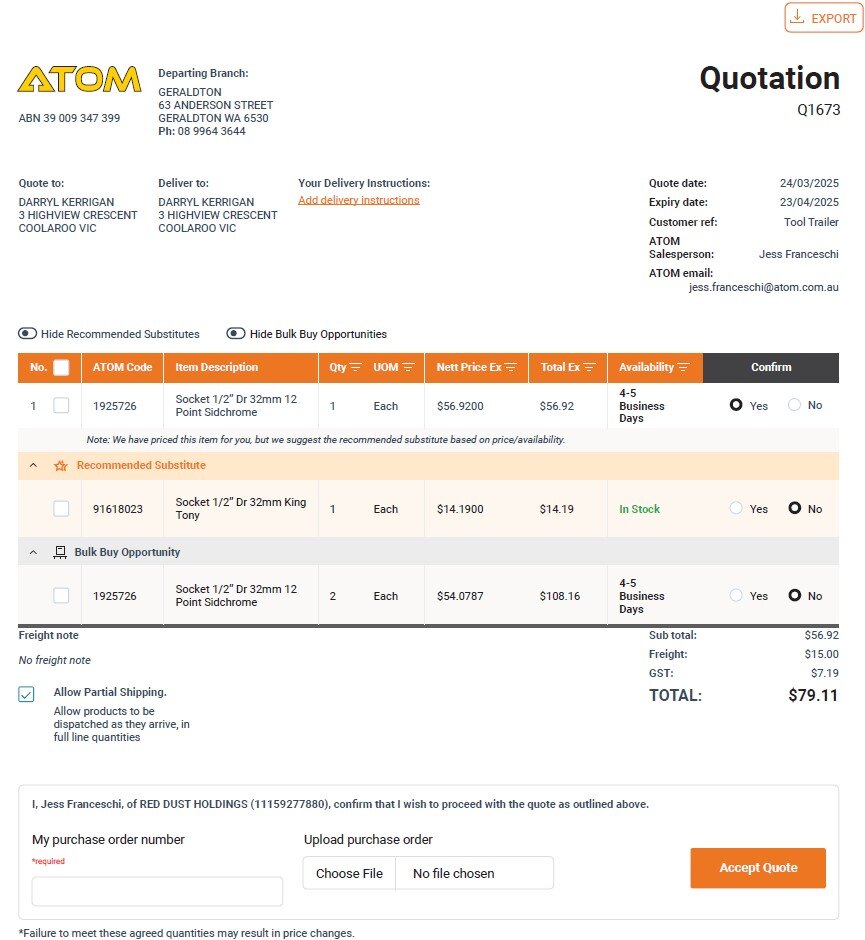

Absolutely! You’ll find the Export to PDF button at the top right of the SmartQuote viewer.

Do I have to log on to a Portal to view quotes?
No, you don’t. While our Customer Portal gives you access to a range of helpful features, you can view your quote without logging in.
Can I forward the email with the link to others?
Yes, you can share the email with your team while the token remains active. The token will expire once:
- The quote is approved,
- ATOM confirms you don’t wish to proceed,
- The quote reaches its expiry date, or
- The quote is edited after being originally emailed
Can I use a CSV file to upload data into our system?
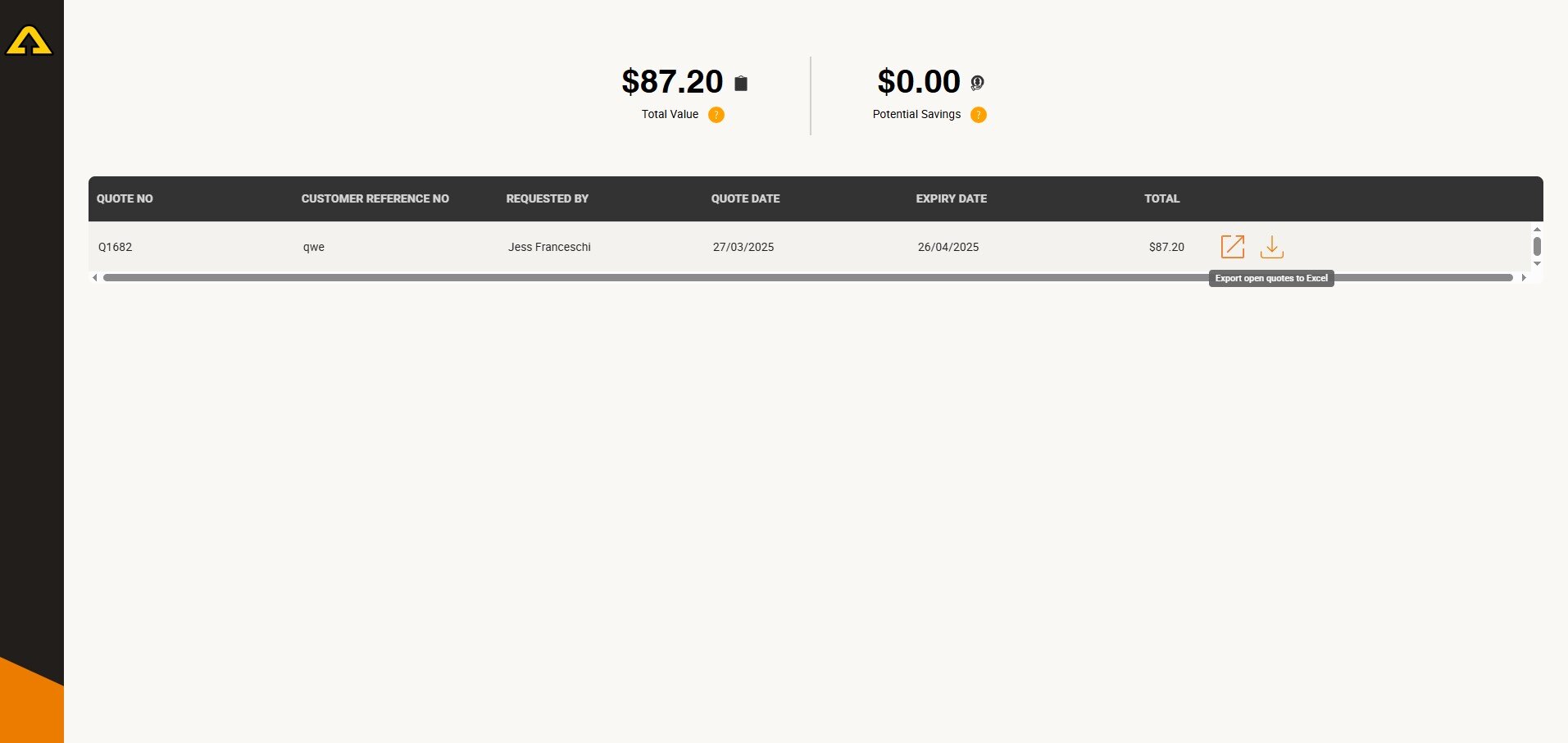
Absolutely! You can export your quote to Excel (CSV format) via the Export to Excel button. Just close the quote and click the download button in the portal screen. The CSV file will include only the lines flagged as "Yes."

What if I need to update my quote?
Easy! Just reply to your ATOM Sales Representative who sent your SmartQuote, and they’ll adjust your quote accordingly.
Do I have to use the online acceptance function?
Not at all! While online acceptance speeds up fulfilment, you can still email your purchase order to your Sales Representative, and they’ll accept the quote on your behalf.
We have an internal approval workflow. Can we restrict users from accepting quotes?
Yes! You can set your account to use the Review and Export option only. This restricts quote acceptance at the account level, ensuring your internal approval process remains fully in control.
Contact the ATOM Team to set up this feature: getit@atom.com.au

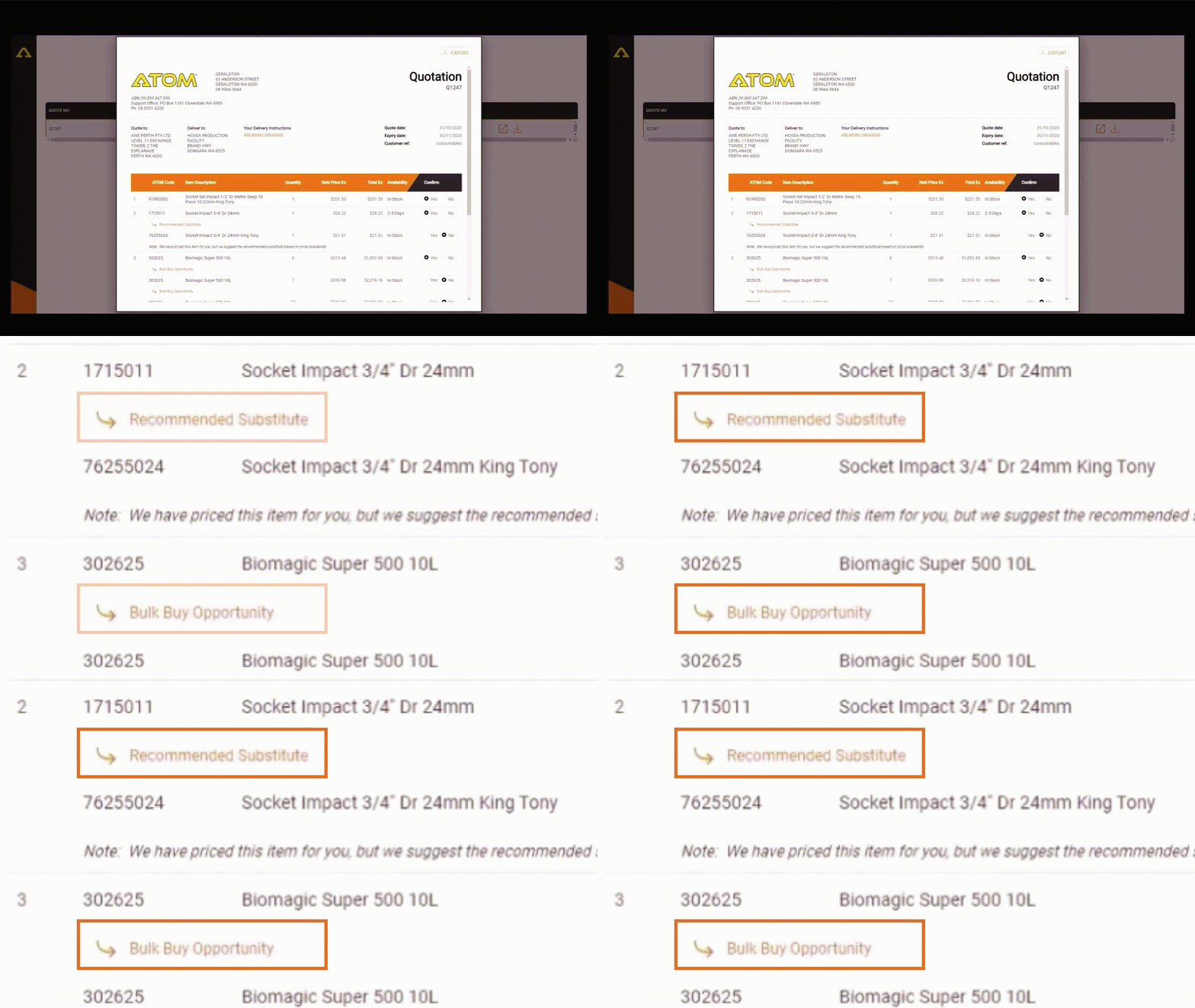
Can we turn off the recommended substitutes?
Yes, you have full control:
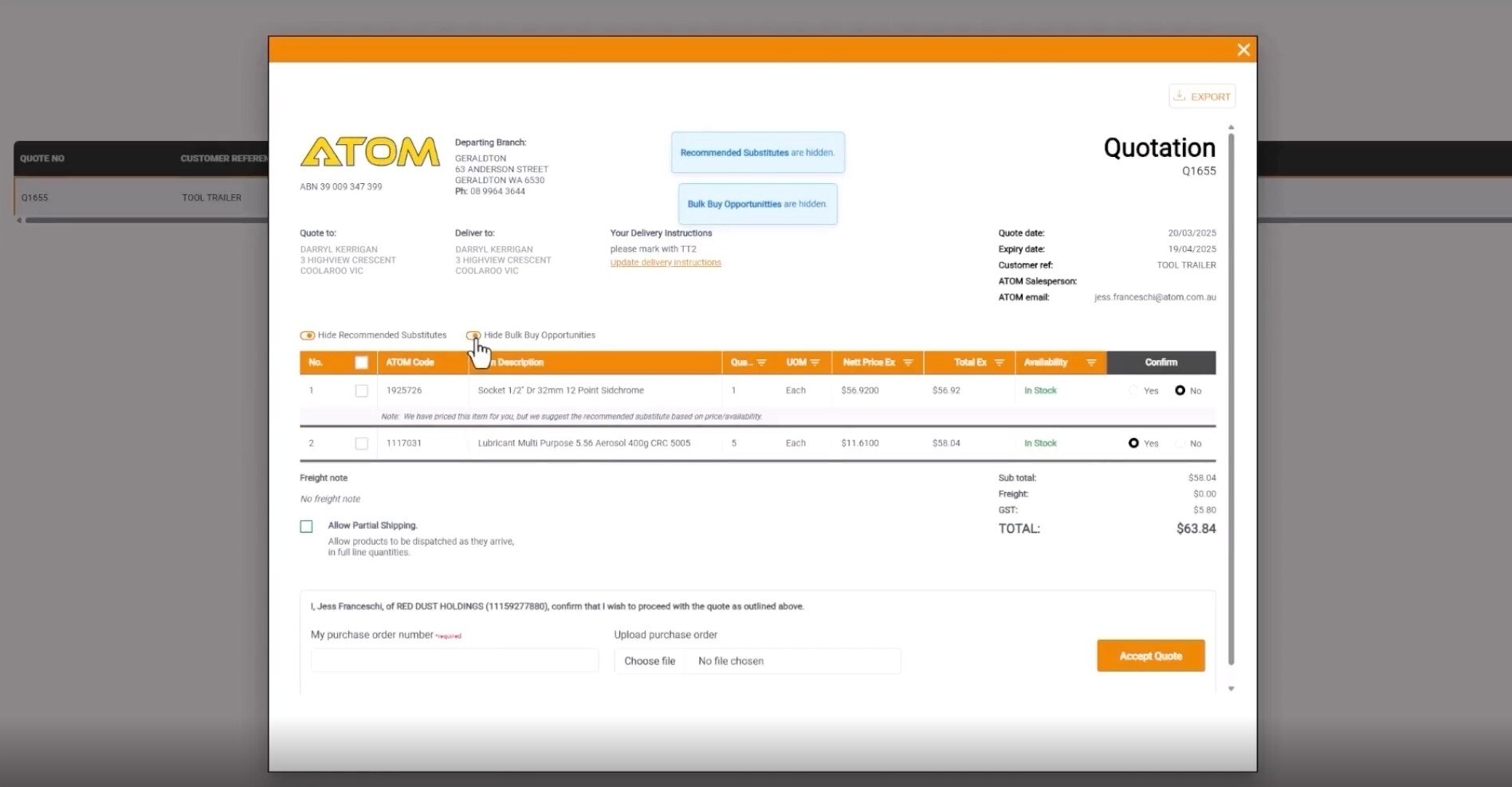
- There’s a toggle on the quote that lets you hide recommended substitutes.
- If your contract requires only specified products, substitutes won’t appear.
- Need substitutes disabled across all quotes? Let us know, and we’ll switch them off

We prefer one delivery per order, but I need some items sooner. What can I do?
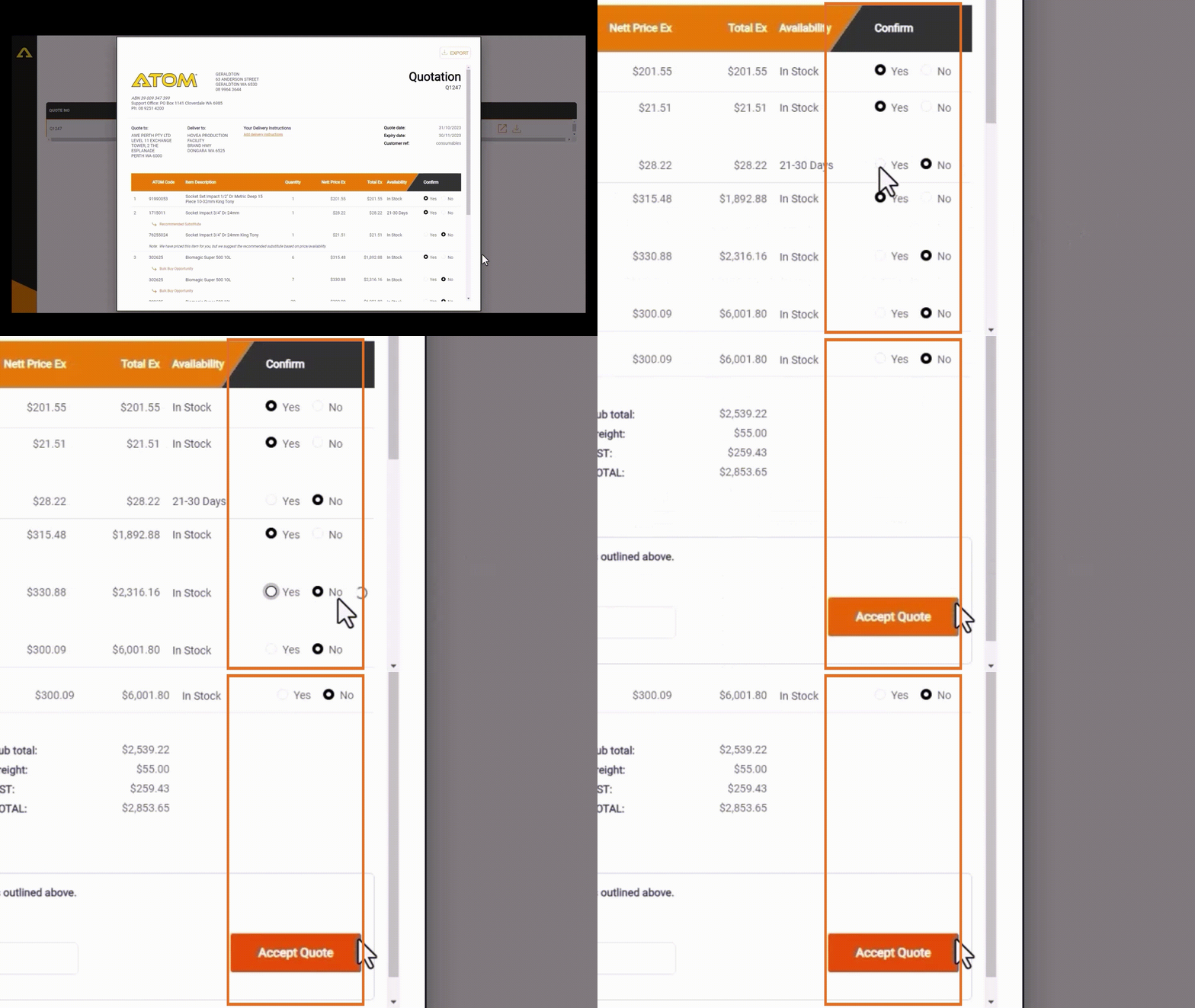
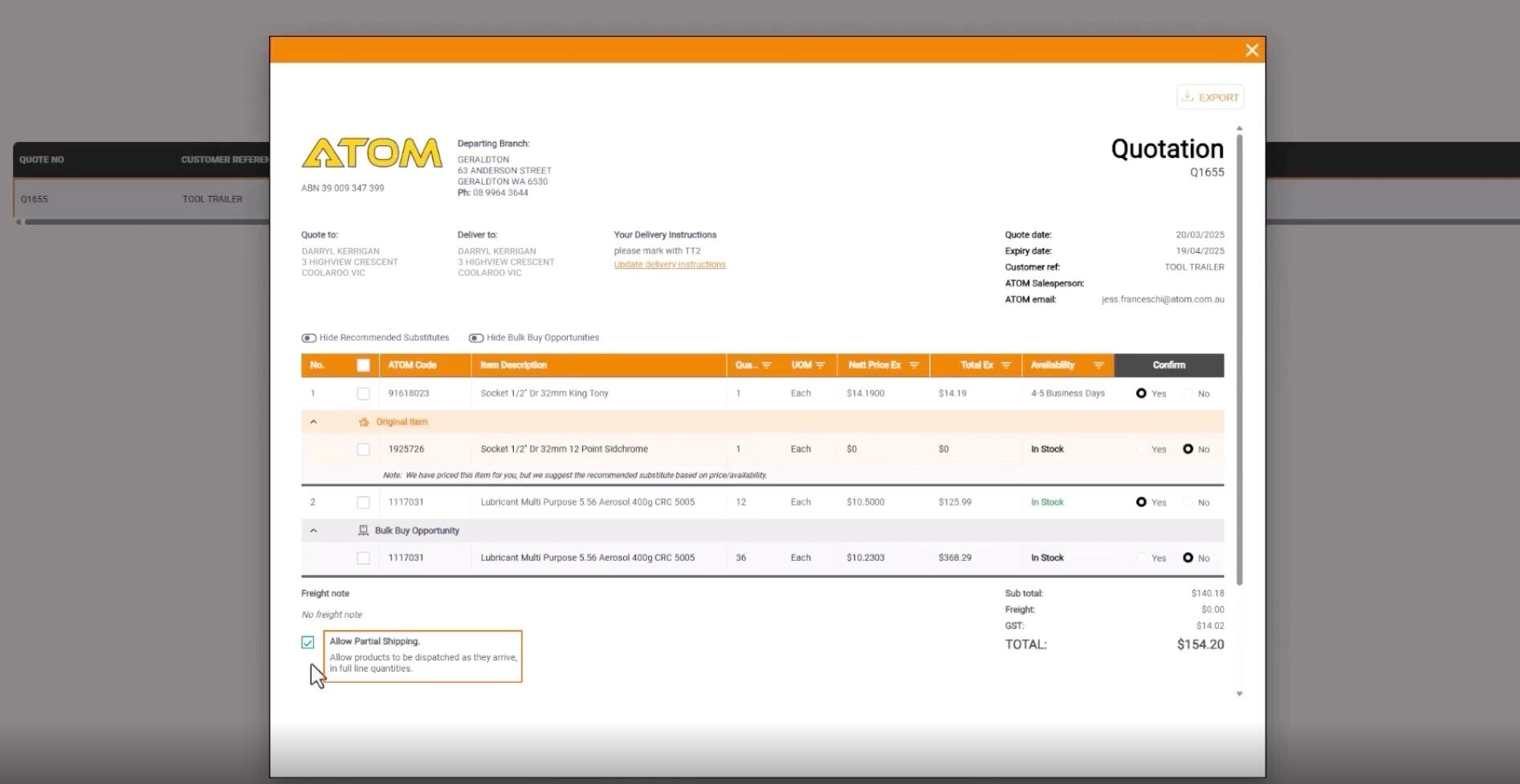
No problem! When reviewing your quote, tick "Allow Part Shipment." This lets us send items as they arrive (in full-line quantities).

How do I provide special delivery instructions when accepting my quote?
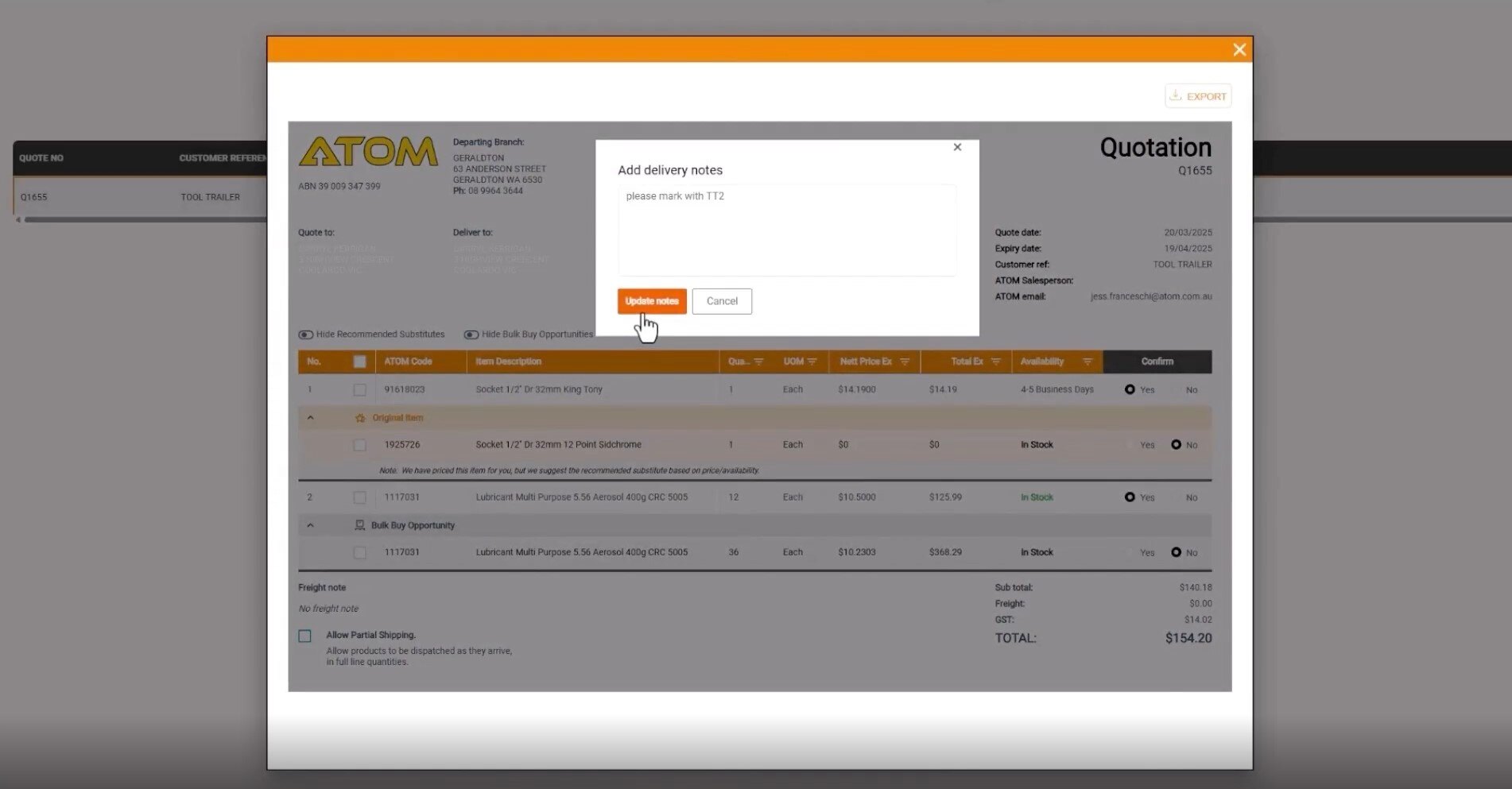
You’ll see 'Update Delivery Instructions' under the Delivery Instructions section while reviewing your quote. Just click this link, enter your details, and they’ll be sent straight to our team for actioning.

Can I review all my quotes in one place?
Yes! Simply log in to the ATOM Customer Portal to view all your current and recently expired quotes at a glance.
Not signed up yet? No worries—email us at online.sales@atom.com.au, and we’ll get you set up.
To help you stay on top of things, we also send out a Bulk Quote Reminder email every Tuesday, highlighting active and soon-to-expire quotes—no portal login required!
Be The First To Know!
Be the first to hear about the launch of SmartQuote—join our mailing list! Simply fill in your details, and we’ll keep you updated.
We're Here To Help.
Throughout the transition to SmartQuote and beyond, our support team are ready to help with any issues, questions or concerns you may have.